One way to Done
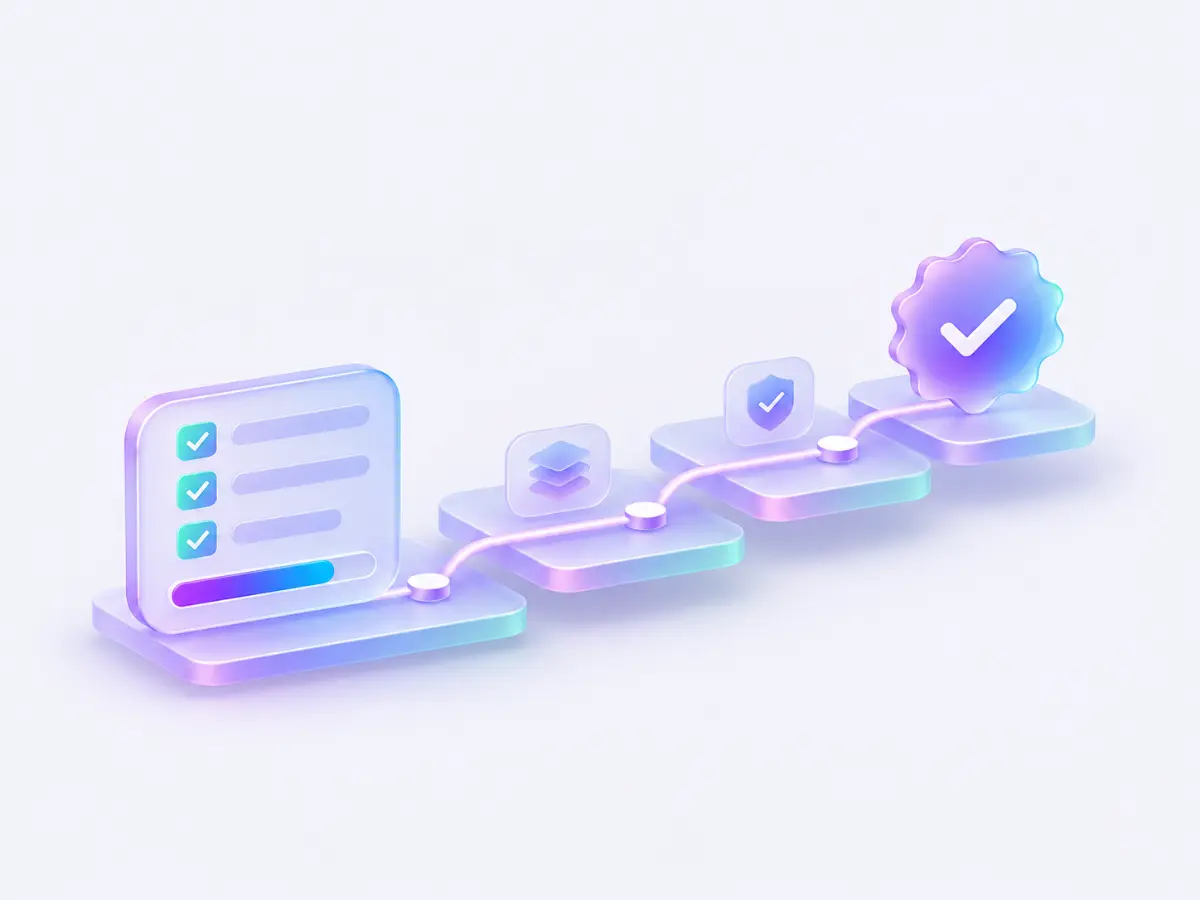
Know what stands between the work and Done.
 seyal
Seyal is a self-hosted task tracker for working with AI agents. Agents do the work. You approve the proof. Nothing reaches Done any other way.
Coding agents finish fast and report success with confidence. Then you open the branch and find a skipped test, a missing case, or work done against an older version of the task.
If the tracker takes the agent's word, the card moves anyway. In Seyal, the card moves only when the proof is there.
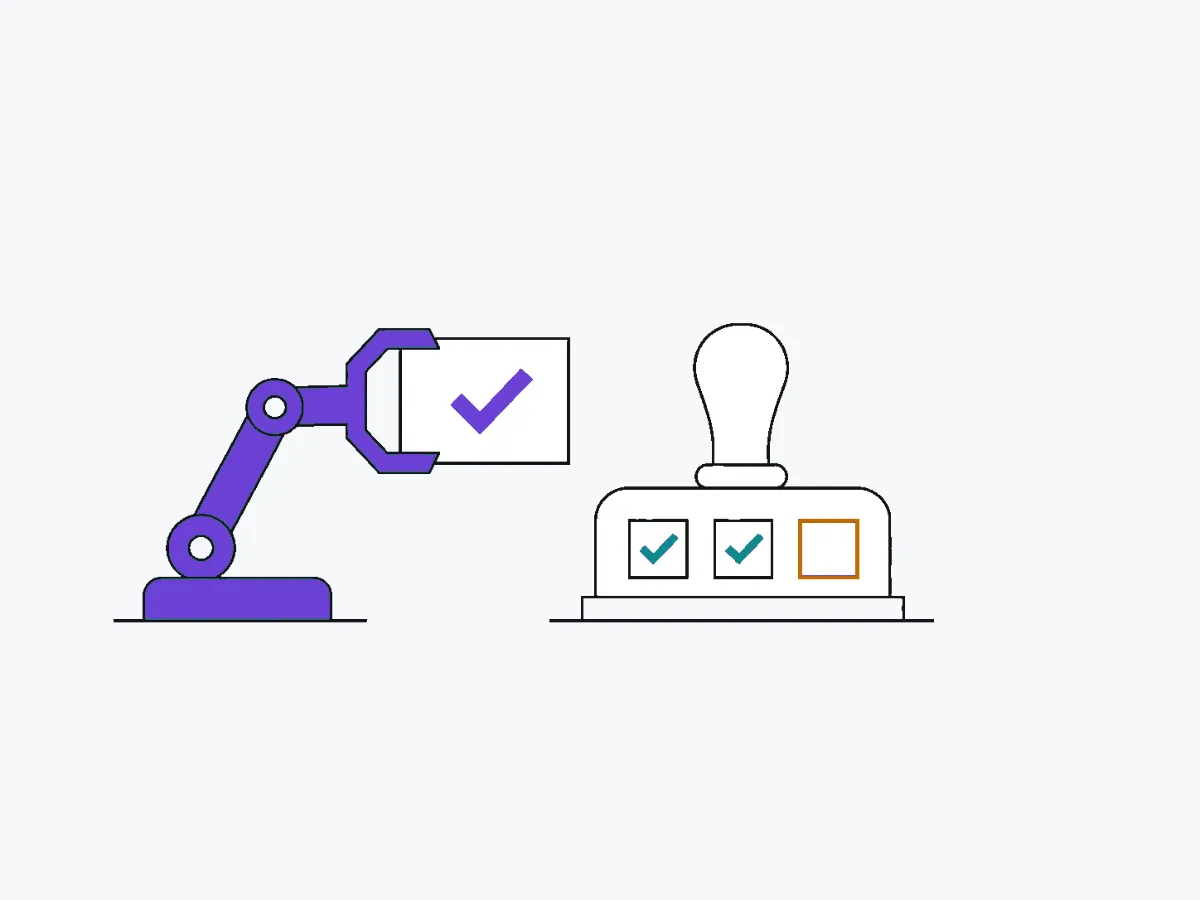
"APP-12 is done. All tests pass."
Completion refused. Evidence missing, 1 criterion open, no approval of v7.
The web app, every MCP tool and every built-in agent go through the same check. Inside Seyal there is no other way to Done.
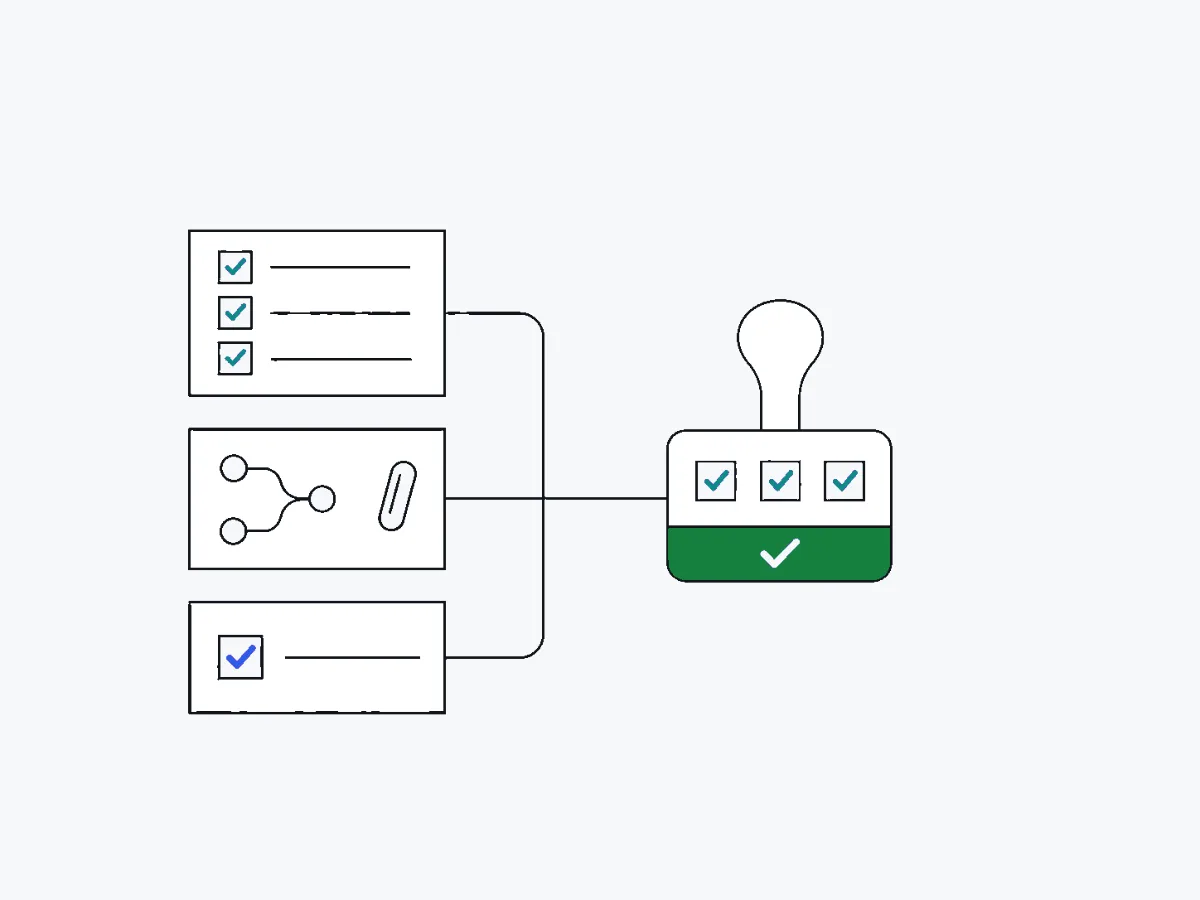
Every task says what success means before work starts. Each acceptance criterion must be ticked.
The pull request and its checks are attached to the task, in the state the task requires. Evidence shows the checks ran. It does not prove the code is right.
That judgement is a person's. Approval is tied to the exact task version, so a changed task needs a fresh review.
Seyal doesn't replace Claude Code or Codex. It gives them tasks with clear criteria, and it holds their work to the same check as anyone's.
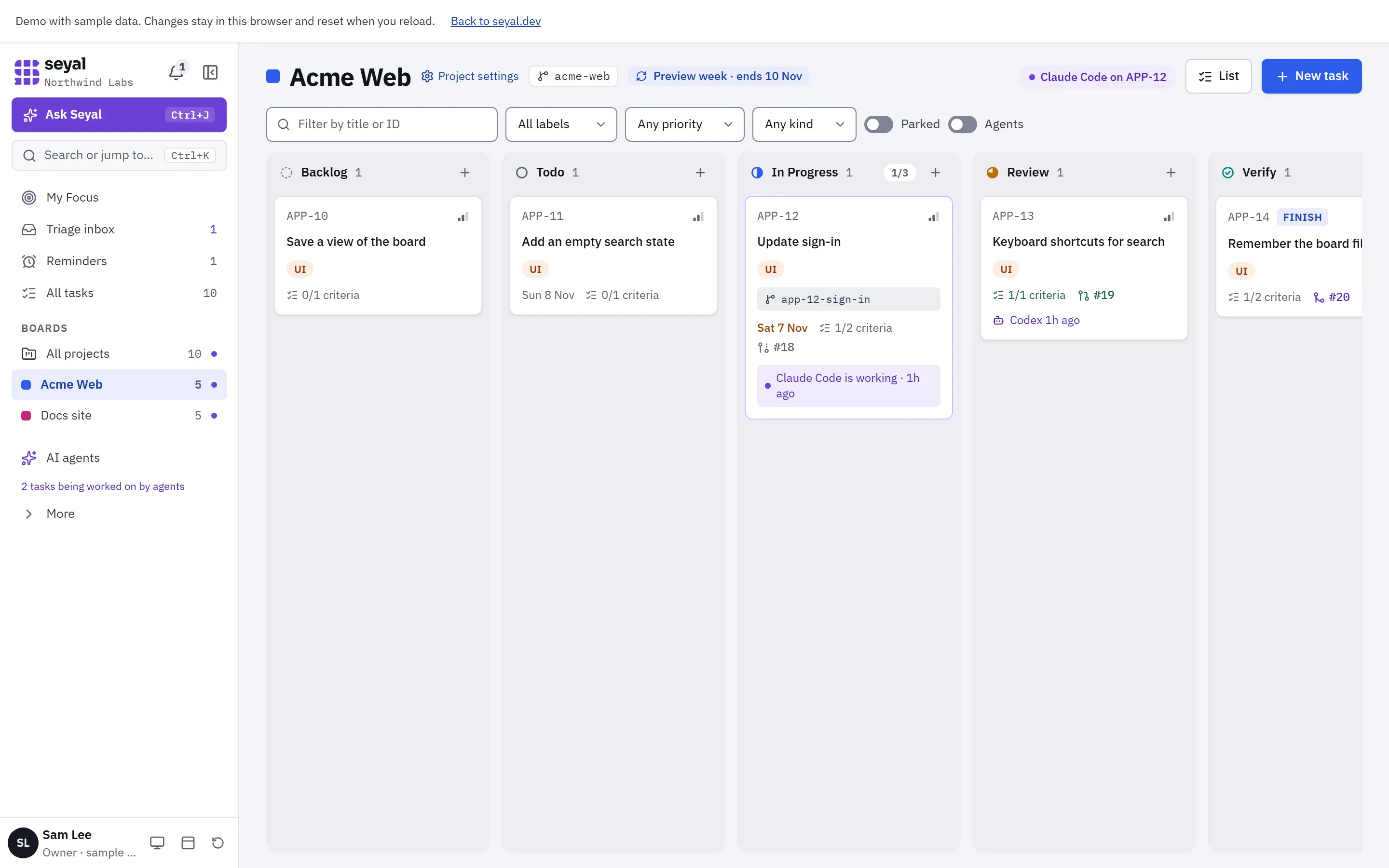
Claude Code, Codex or any MCP client connects to Seyal's built-in MCP server, claims a task and reads its criteria. One live claim shows who is working on what.
Connect an agentsearch_tasks({ q: "APP-12" })
claim_task({ task: "APP-12" })
link_pr({ task: "APP-12", url: prUrl })Criteria, the pull request and the history sit together on the task. Approve the version you checked, or send it back.
Try the review in the demo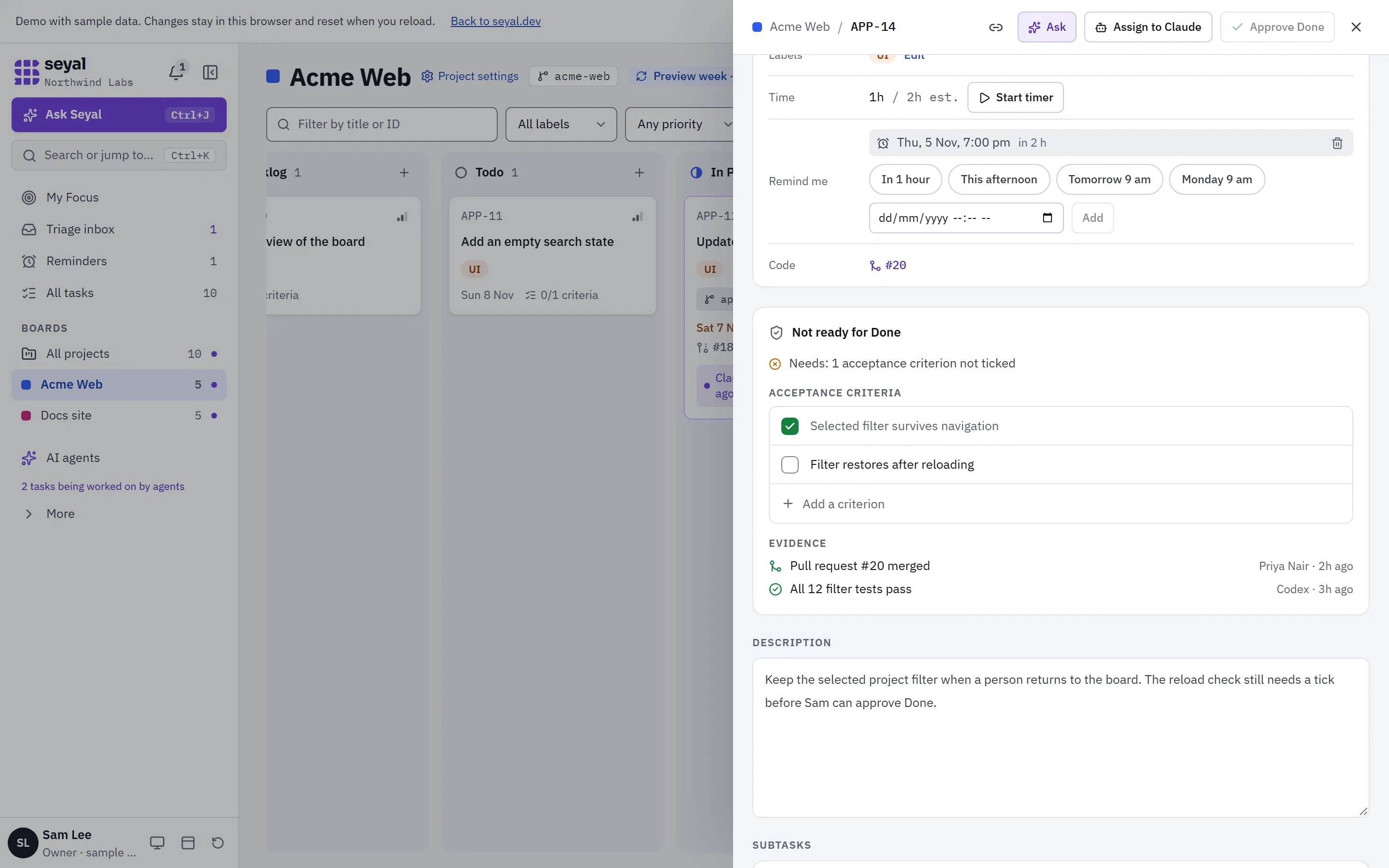
An approval belongs to one task version. Edit the task and its version moves on, so the earlier approval no longer counts. The reviewer checks the new version.
Try changing the taskSign in with Microsoft
Sign in with Microsoft and handle errors
Work reaches Done only with proof. These are the parts that make that rule hold.
Know what stands between the work and Done.
Let agents work with context, claims and clear limits.
Follow the work and the decisions behind it.
Bring planning, review and follow-up into the same place.
Collect browser, email and agent requests in one workflow.
See each project clearly, or bring the boards together.
Run your own installation and explore the sample demo.
Each change to a task is written as an event in the same step as the change. Claims, refusals, approvals and edits stay in order, with the actor and the version.
Agents open pull requests.
People review and merge them.
APP-12 · example event history
Seyal runs as the app plus Postgres on a machine you control. Your tasks and your agents' work stay with you.
Read the self-host guidegit clone <repository-url> seyal
cd seyal
cp .env.example .env
pnpm install
# Edit .env with your settings.
docker compose up -d dbNode 22 · pnpm · Postgres 16 · Docker · Git · Microsoft Entra ID
The source is not public yet. Replace <repository-url> when published. These commands start the database; follow the guide for migrations, sign-in and HTTPS.
The demo is the actual Seyal web app, running on a fictional team. No sign-in. Changes reset when you reload.
The Model Context Protocol lets agents use tools in other apps. Seyal exposes task tools at /mcp. Connect your client.
Seyal records stay in your installation. Connected agents and optional integrations can send context to their providers. See where data goes.
Seyal code is licensed under AGPL-3.0. The source is not public yet, and there is no announced publication date. Read about source availability.