Acceptance criteria, checked
Write what success means before the work starts. Every acceptance criterion must be ticked before completion can pass.
 seyal
Work reaches Done only with proof. These are the parts that make that rule hold, from the first request to the last approval.
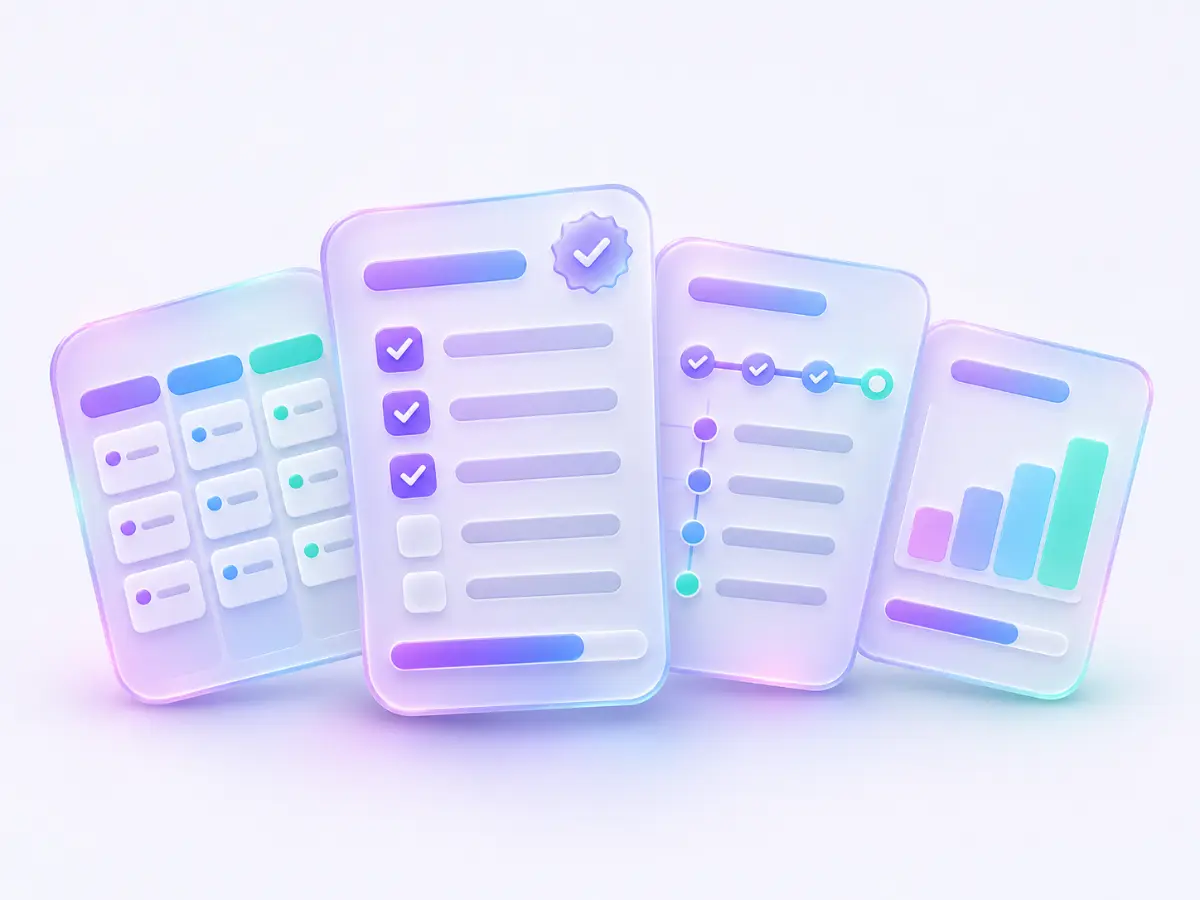
A task reaches Done through one completion check, wherever the request comes from.
Write what success means before the work starts. Every acceptance criterion must be ticked before completion can pass.
Keep pull requests and verification results with the task. The check requires each evidence kind specified for that task in its required state.
A person approves the exact task version. If the task changes, that earlier approval becomes stale and a fresh review is needed. Follow the task through the check.
Some changes always need a person, whatever an agent may do: auth, permissions, payments, migrations, CI or deploy, dependencies, production data and business decisions. A pull request that touches protected files, such as CI definitions or agent control files, needs an owner's approval and checks Seyal can trust.
Give an agent context and a claim on the work. Keep decisions and review with people.
The server exposes task tools at /mcp over Streamable HTTP. Connect Claude Code, Codex or another MCP client with its own token. A member's token is limited to the projects they choose.
One live claim identifies who is working on a task. Progress reports renew the claim; silence makes it stale after five minutes.
Your coding agent opens a pull request in your repository and uses link_pr to attach it as evidence in Seyal. With GitHub or Azure DevOps connected, commits that name a task key log progress, opening a PR moves the task to In review, and a merge moves it to Verify, never directly to Done.
Seyal agents never merge or delete. External repository permissions remain yours to manage. Set up agent access.
Keep the trail with the work, from the first claim to the completion check.
The task service writes an event in the same transaction as each change. The change and its history stay together.
Task history identifies the actor, event and time. Named client tokens distinguish one coding client from another.
Approvals refer to task versions, so you can follow the decision back to the work that was reviewed. Read an example history.
An agent posts its plan and reports each step as it starts and ends. The task shows the live steps, a flow diagram and the run's stage, from intake to merged. A Claude Code hook can also report which files and todos it touched, never their contents.
Use server-run help for planning and follow-up, with the settings under your control.
The triage agent suggests where incoming work belongs. The planner proposes subtasks, acceptance criteria and an estimate.
Seyal picks PR reviewers from each task's risk and areas, and each files a verdict on the current version. Built-in agents also prepare decision memos, write release notes and produce a daily brief. AI features use the provider and permissions configured for your installation.
Set reminders for yourself. Scheduled jobs fire due reminders, while follow-up and risk watchers surface work that needs attention.
Agent settings control whether suggestions wait for approval or apply automatically where supported. All task changes still use the task service. Routines lists each scheduled job, with a pause switch and a daily cap. Meet the built-in helpers.
Capture a request, then decide which project and task it should become.
Create and manage work in the browser. The board, task details and triage inbox share the same task service as MCP clients.
With a Microsoft 365 intake mailbox and app credentials configured, Seyal polls mail into the triage inbox. A person can review and place each request before it becomes project work.
MCP clients can create a task in a named project. Without a project, create_task puts the request in the triage inbox for a person to place.
Ask questions about the board from a panel on every page. Once Ask has read board text, each change it proposes waits for you to confirm it.
Give each project a home, and keep a view across the whole team.
Follow tasks through the workflow, including In review, Verify and Done. Open a card to see its criteria, evidence and history. Link tasks as blocking or related; a task waiting on unfinished work shows Blocked.
Group related work beneath a root project with one level of subprojects. Each subproject keeps its own key, board and settings.
See work across projects on one board, with cards grouped by project within each status. Narrow the view when you need to focus. The Map shows tasks, runs, skills and routines, and what needs you.
Manage appearance, notifications, MCP access, connections, team standards, sensitive changes and project settings from Settings. Scope labels show whether a setting affects you, the team or a project.
Keep Seyal records on infrastructure you control and choose which integrations to connect.
Run the app and Postgres on your own server. You manage access, backups and updates. Read the self-host guide.
The source is not public yet. AGPL-3.0 is the announced licence at publication; there is no announced publication date.
The demo runs the real web app with fictional workspace records and needs no account. Changes stay in memory and reset on reload. Open the demo.
Owners can export the event log, a full JSON export, and an Obsidian vault of team standards, project context and tasks as linked Markdown notes.