Review the new version
An approval for v7 cannot complete v8. Request another review of the current version, then run the completion check again. Try changing the task in the interactive gate.
 seyal
Six steps. The last one runs only when the work before it is proven, and every step leaves an event behind.
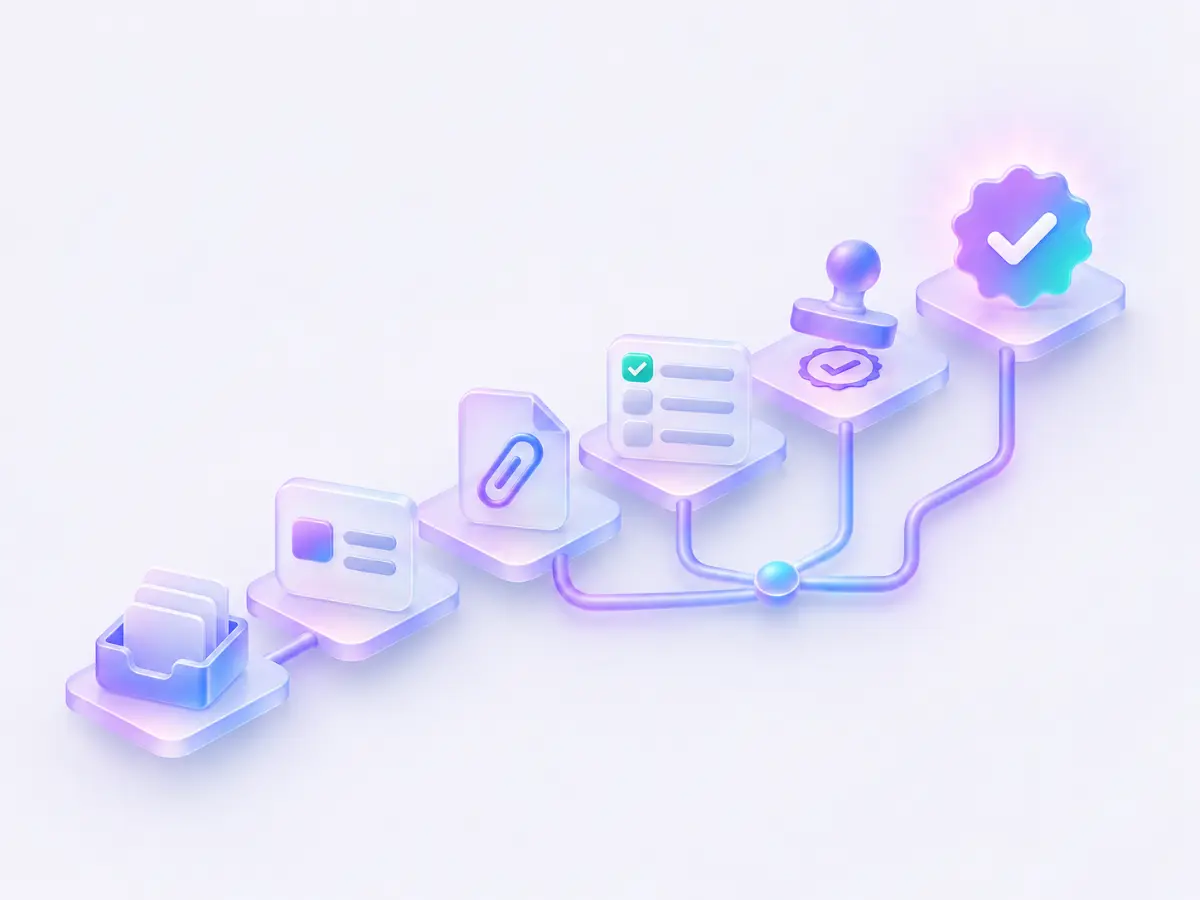
Start in the web app, send a request through MCP or connect a Microsoft 365 intake mailbox. Triage incoming requests into the right project. Intake also sets the task's risk and areas, which decide who reviews it.
The project Definition of Done is copied into new tasks. Add the specific outcomes this task needs to satisfy.
A person or coding client takes a claim before working. One live claim helps the team see who owns the next action.
An agent reports with log_progress. Reports renew its claim; after five minutes without a report the claim becomes stale. An agent can also post its plan with post_plan and report each step with report_step, so the task shows the run as it happens.
The coding agent does the work in your repository, opens a pull request and links it to the task with link_pr. With a connected GitHub or Azure DevOps repository, commits that name the task key log progress and opening the PR moves the task to In review.
People review and merge PRs. A merged PR moves the task to Verify; it does not mark it Done. Required evidence still has to be present in the expected state.
Review the result against every acceptance criterion and tick the ones that are met. A task with no criteria, or an unticked criterion, cannot pass completion.
The completion check tests each evidence kind required by the task. An open PR alone does not satisfy a requirement for a merged PR. When a task requires review, each picked reviewer's newest verdict on the current version must approve.
A person reviews and approves a proposal tied to the current task version. Approval of an older version cannot unlock the current task. A pull request that touches protected files, such as CI definitions or agent control files, needs a person with the owner role and checks Seyal can trust.
A request through complete_task can ask the owner for approval when that is the only missing requirement. It never supplies approval on the person’s behalf.
The task service checks the criteria, required evidence and approval together. A refusal lists the gaps so the next action is clear.
Web actions and MCP tools use the same completion check. Project policy also controls whether an agent may request completion.
Approval stays tied to what was reviewed. Editing the task increments its version and makes an earlier approval stale.
An approval for v7 cannot complete v8. Request another review of the current version, then run the completion check again. Try changing the task in the interactive gate.
An illustrative history, using fictional names and task records.
APP-12 · example event history